Written by Diego Hernandez — Certified AMX Designer & Programmer (Netlinx/RMS), Savant Programmer + Installer, Harman Pro Audio Designer (AKG, BSS, Crown, dbx, JBL Pro), AV Networking & Cabling certified.
Modern Houston businesses rely on conference rooms that work the first time, every time. A great conference room AV installation Houston companies trust isn’t about putting a TV on the wall — it’s a system of audio, video, control, and network components that holds together under daily hybrid meetings, board reviews, and client presentations. This guide walks through what a proper commercial AV install actually involves, why Houston offices have unique challenges, and how Multimedia Technology Group designs systems that scale from a six-person huddle room to a corporate boardroom.
What Conference Room AV Installation Houston Businesses Actually Need
Related: choosing the right av rack · savant integration · hidden cabling
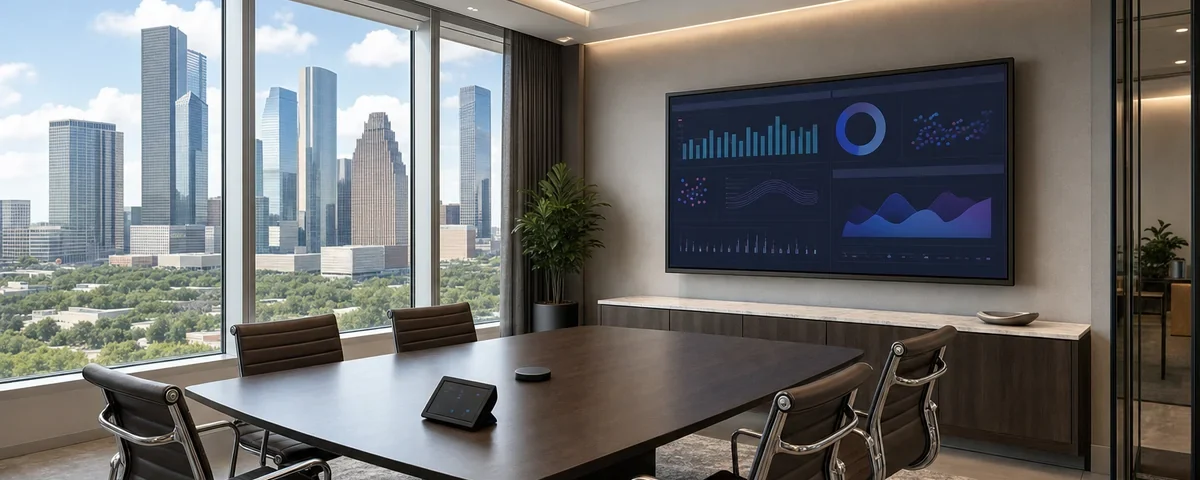
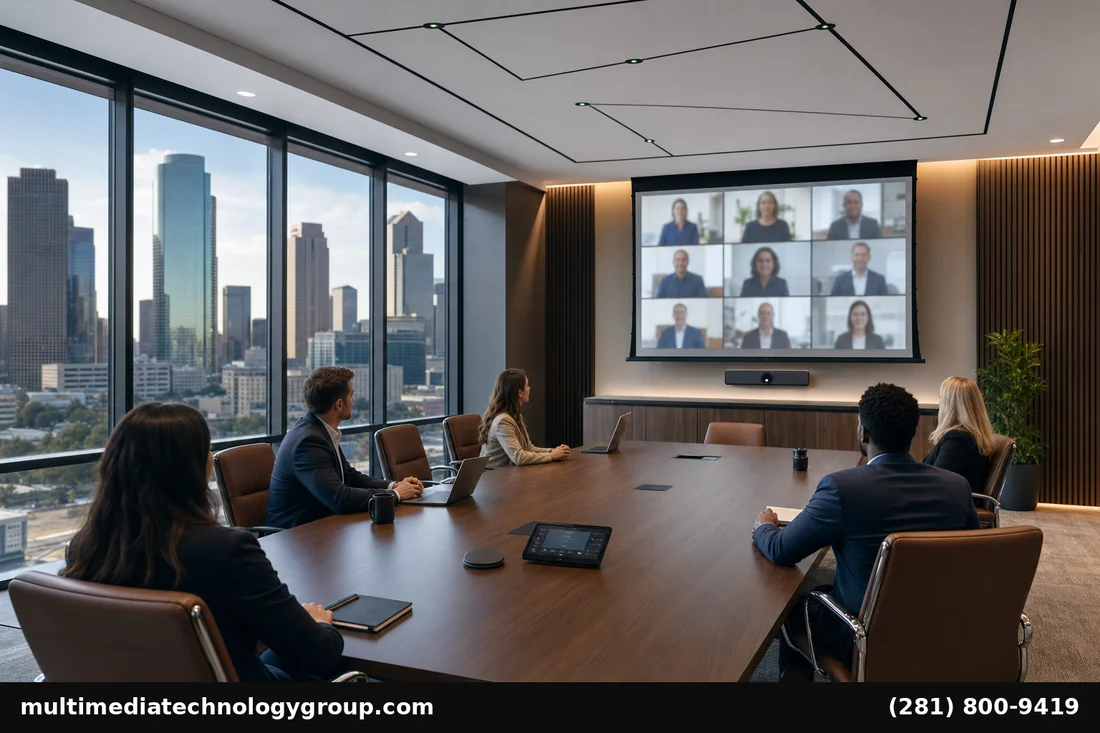
The phrase “conference room AV” gets used loosely. In practice a commercial-grade conference room AV installation Houston deployment includes:
- Display — 75″–98″ commercial-rated panels (not consumer TVs) for daily 8–12 hour operation, with HDMI/HDBaseT inputs and CEC control.
- Camera and microphones — auto-framing PTZ camera or video bar, beamforming ceiling array or pendant microphones tuned to the room geometry.
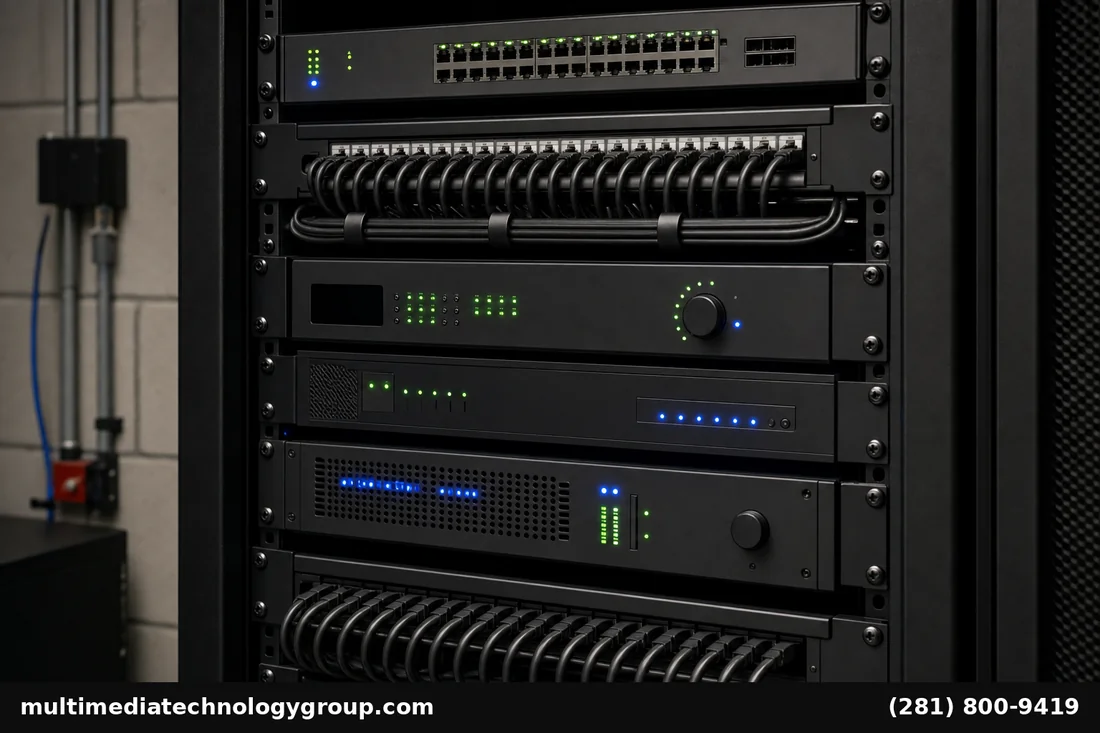
- Audio DSP — a real digital signal processor (QSC Q-SYS, Biamp Tesira, BSS Soundweb) for echo cancellation, noise reduction, and microphone gating. Soundbar mics are not enough for rooms over 12 ft.
- Control system — Crestron, AMX, Savant, or a manufacturer touch panel that turns on the room, picks an input, and starts a meeting from one button.
- Network — managed PoE switching, VLAN segmentation for AV traffic, and a path to the conference platform (Zoom Rooms, Microsoft Teams Rooms, Google Meet hardware).
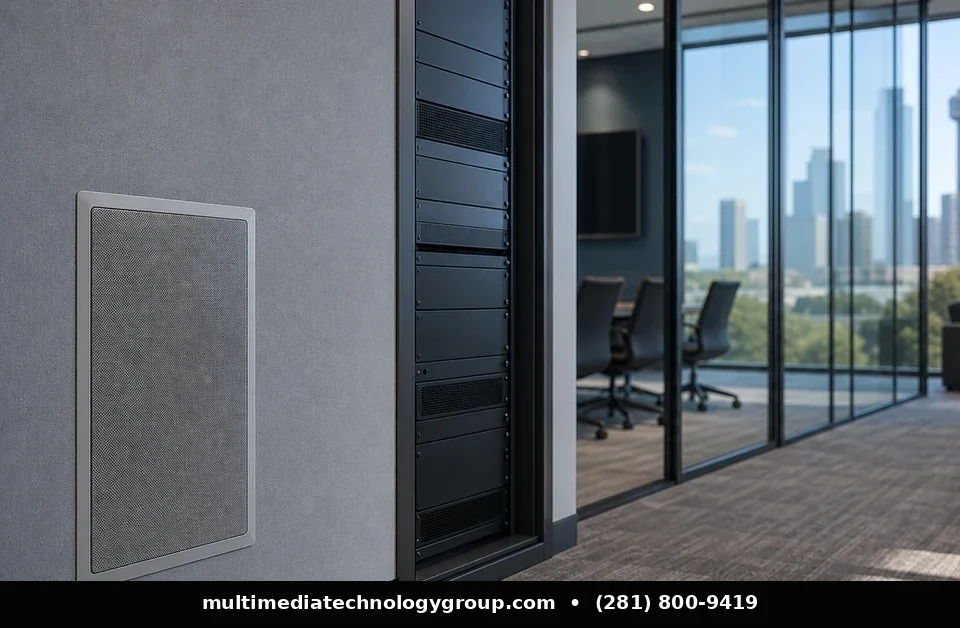
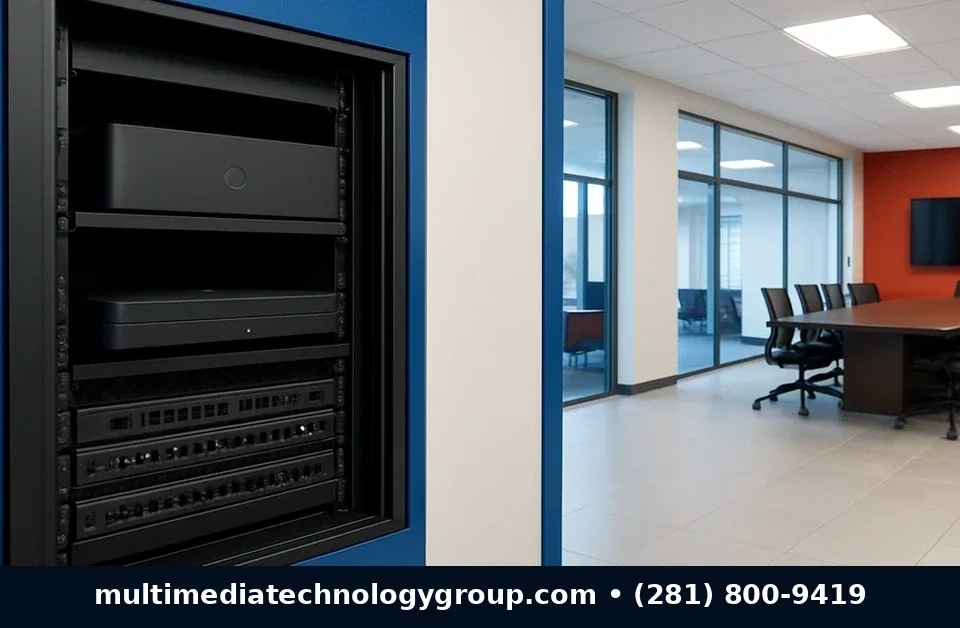
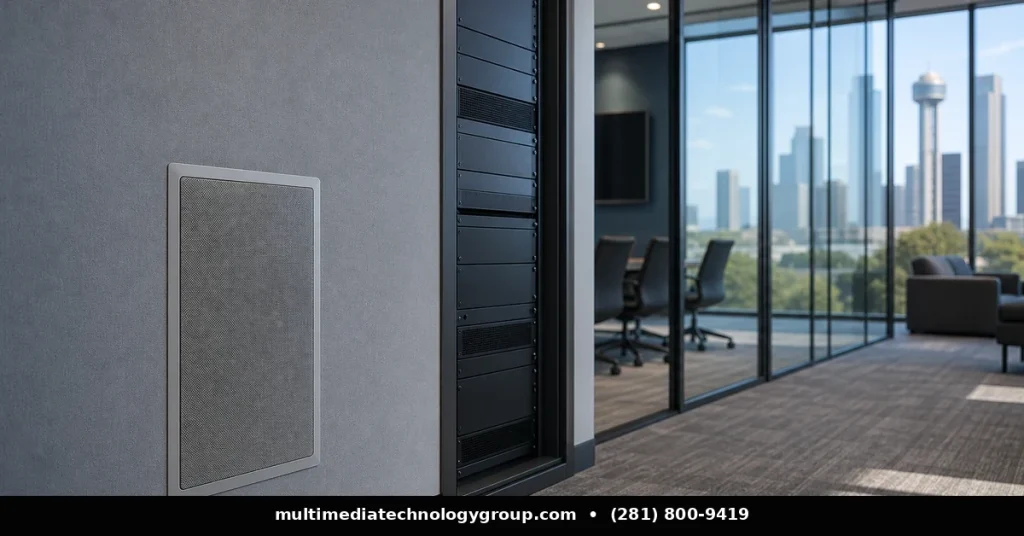
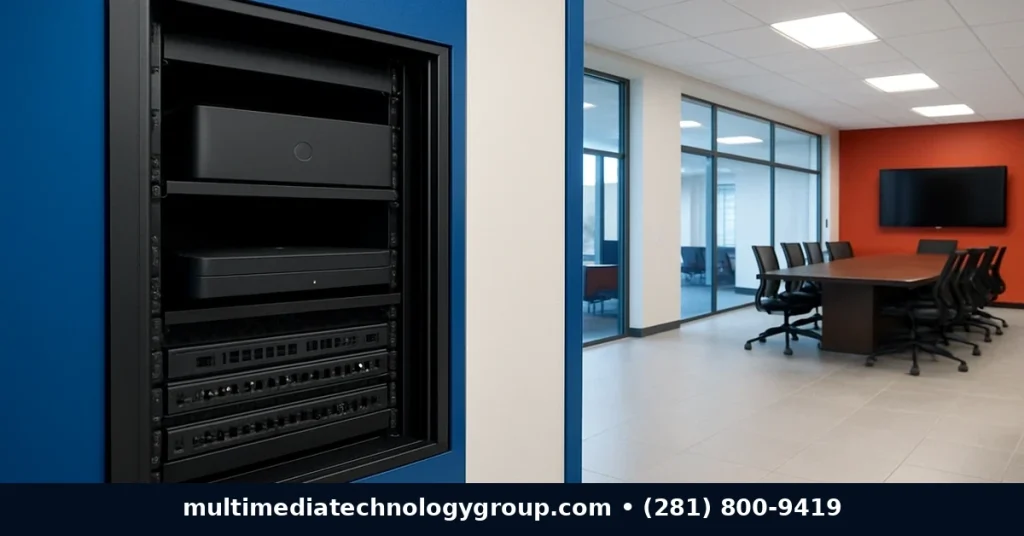
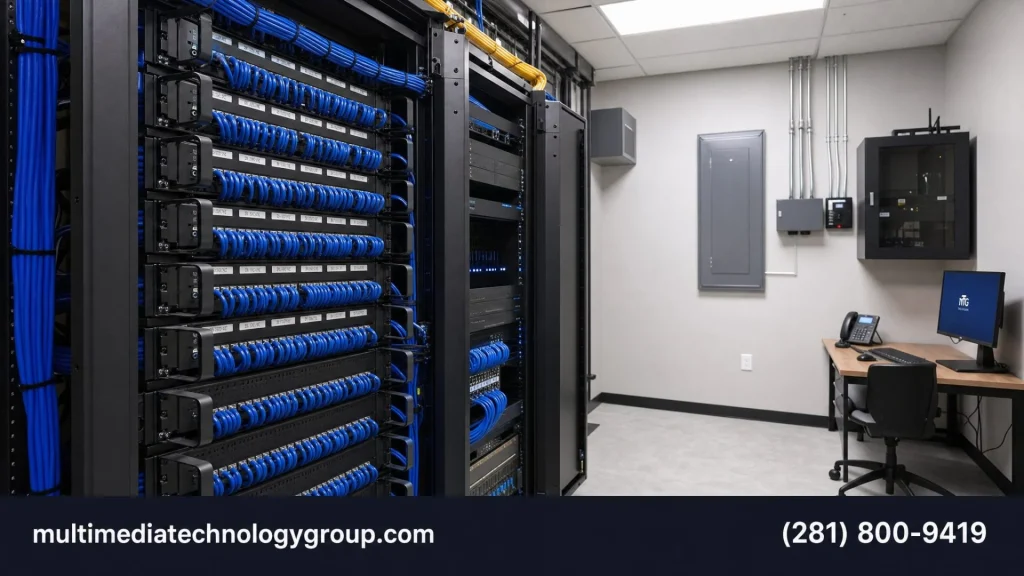
- Cabling and rack — structured low-voltage runs, a credenza or in-wall rack, and labeled patch panels so the room is serviceable later.
Houston offices in tower buildings (Galleria, Energy Corridor, Downtown, the Medical Center) add a layer of complexity: building riser access, after-hours work, certified-of-insurance requirements, and union-shop coordination on some properties. We’ve handled all of it for a decade.
Why Houston Conference Rooms Are Different
Most “AV checklists” you’ll find online assume a generic rectangular room with drywall and a drop ceiling. Real Houston offices vary wildly:
- Glass walls — common in Class A buildings. Glass reflects every word twice, killing speech intelligibility for the far end of any video call. We pair acoustic panels with the right DSP profile.
- Open ceilings — exposed-deck industrial aesthetic is everywhere in newer Heights and East Downtown offices. No ceiling tiles means no ceiling microphone install — pendant array microphones or table-mounted boundary microphones become the answer.
- High ceilings (14–18 ft) common in renovated warehouses change the apparent microphone-to-speaker distance, which changes how echo cancellation needs to be tuned.
- HVAC noise — Houston buildings run cooling hard for 8 months a year. The room’s noise floor matters more than the speaker spec. We measure it before quoting.
- Building security / IT — corporate IT departments rightly lock down VLANs. A clean integration plan that explains exactly which ports, which subnets, and which firewall rules need changes makes the project move instead of stall.
Choosing the Right Gear: Why We Standardize on QSC and Yealink
Across hundreds of Houston commercial installs, two manufacturer lines have proven most reliable for the conference room space.
QSC Q-SYS is our default audio DSP and control platform for any room above a basic huddle. The Q-SYS ecosystem covers DSP, amplifiers, cameras, microphones, and a single piece of design software (Q-SYS Designer) — so one engineer can build, deploy, and remotely service the whole stack. For Microsoft Teams Rooms and Zoom Rooms, native certified hardware streamlines the room cert.
Yealink handles the meeting-platform side: certified MTR and Zoom Rooms appliances (MeetingBar A30, RoomCast, MVC series), beamforming microphone arrays, and IP phones for backup. Yealink rooms cert quickly and update cleanly, which matters when your IT department doesn’t have time to babysit AV.
This pairing — QSC for the room’s audio and control, Yealink for the meeting endpoint — covers 80% of Houston commercial deployments without compromise.
The Houston Installation Process Done Right
Phase 1: Discovery and design (week 1)
We start with the room, not the gear list. Site survey, acoustic measurement, IT/network walkthrough, sightline analysis from every seat. Output: a detailed scope of work, line-item BOM, single-line diagram, and a fixed quote.
Phase 2: Pre-build (week 2)
Rack is configured and bench-tested at our shop before a single cable goes in the wall. Software is staged. Firmware is current. Labels are printed.
Phase 3: On-site install (1–3 days)
Low-voltage cable pulls, display and microphone mounting, rack delivery, network handoff, configuration upload, room commissioning. We coordinate with the building’s property manager so deliveries, freight elevator access, and after-hours work happen cleanly.
Phase 4: Commissioning and training (1 day)
Acoustic calibration. End-to-end meeting test on Zoom or Teams. Custom one-button experience programmed on the control surface. Recording of the final room walkthrough so your IT team has documentation. End-user training for the people who’ll actually run meetings.
Phase 5: Service and support
Ongoing remote monitoring via Q-SYS Reflect or Yealink Device Manager. Same-day on-site SLA available for any Houston address.
Typical Houston Conference Room Budgets
- Huddle room (4–6 person): $7,500–$15,000 — single video bar, ceiling acoustic treatment, basic control, network handoff.
- Mid-size conference room (8–14 person): $18,000–$38,000 — auto-framing camera, ceiling microphone array, DSP, dedicated rack, control panel.
- Large boardroom (16–30 person): $40,000–$120,000 — dual displays or motorized screen, multi-camera, full DSP, in-room and exec touch panels, custom millwork integration.
- Training room / town hall: $60,000–$250,000 — speaker reinforcement, video distribution, broadcast-quality camera package, recording and streaming infrastructure.
Recurring service contracts run 8–15% of project cost annually depending on coverage tier.
Common Mistakes We’re Hired to Fix
Roughly 30% of our work is rescuing systems that another integrator (or, more often, a generalist IT contractor) installed. The patterns repeat:
- Consumer-grade soundbars or webcams in rooms over 200 sq ft. Far-end audio is always the complaint.
- Display mounted too high. The far end sees the ceiling, not faces.
- No acoustic treatment in glass-wall rooms. Speech intelligibility falls off a cliff.
- Daisy-chained HDMI and USB extenders with no signal management. Random meeting drops.
- “Just plug it into the corporate WiFi” — the room can’t keep up under load. AV needs wired, segmented network.
- No documentation handed over to IT, so the first time something fails the integrator is the only one who knows the system.
When something feels off about a recently-installed room, an independent audit pays for itself fast. We do those too.
Service Across Greater Houston
We serve commercial AV needs across all of Houston: Downtown, Galleria, Memorial, Energy Corridor, the Medical Center, the Heights, Sugar Land, The Woodlands, Katy, Pearland, and beyond. Same-day quotes available for Houston city limits, next-day for outlying service areas.
Frequently Asked Questions
How long does a conference room AV installation take in Houston?
From signed quote to commissioned room, 4–6 weeks is typical. Lead time on commercial displays and DSPs is the longest pole; the on-site install itself is 1–3 days for most rooms.
Can MTG work with our existing IT department?
Yes — every project includes an IT/network kickoff meeting. We hand IT a clean port assignment, VLAN plan, firewall ACL request, and DNS list. AV doesn’t move forward until IT signs off.
Do you provide ongoing service contracts?
Yes. Tiered plans cover remote monitoring, firmware updates, scheduled preventative maintenance, and same/next-day on-site response. Most Houston clients land on a mid-tier plan around 10% of project cost annually.
What’s the difference between consumer and commercial-grade conference room AV?
Run-time rating, warranty, integration features, and serviceability. A consumer TV is rated for 6–8 hours/day; a commercial display is rated for 16–24. Commercial gear exposes proper control APIs (RS-232, CEC, IP control) so the room can be automated. And commercial warranties cover the use case — consumer warranties often void in business deployments.
Can you support Microsoft Teams Rooms, Zoom Rooms, and Google Meet?
Yes — we’re partner-certified across all three. Houston clients often have mixed platforms across divisions; we standardize the AV layer so rooms can switch platforms over time without re-cabling.
Do you handle multi-building corporate rollouts?
Yes — multi-site programs are a specialty. We’ve deployed 5–80 room rollouts across Houston, Dallas, Austin, and San Antonio with consistent gear, configuration, and remote support.
Ready to Upgrade Your Houston Conference Rooms?
If your conference rooms aren’t delivering reliable hybrid meetings, the problem is rarely the meeting platform — it’s the room. Conference room AV installation Houston from MTG starts with a site survey and a real scope of work. Call (281) 800-9419 or visit our Google Business Profile to schedule a walkthrough. We respond within one business day for Houston metro inquiries.
Services we offer: AV rack installation · home theater installation · contact us